
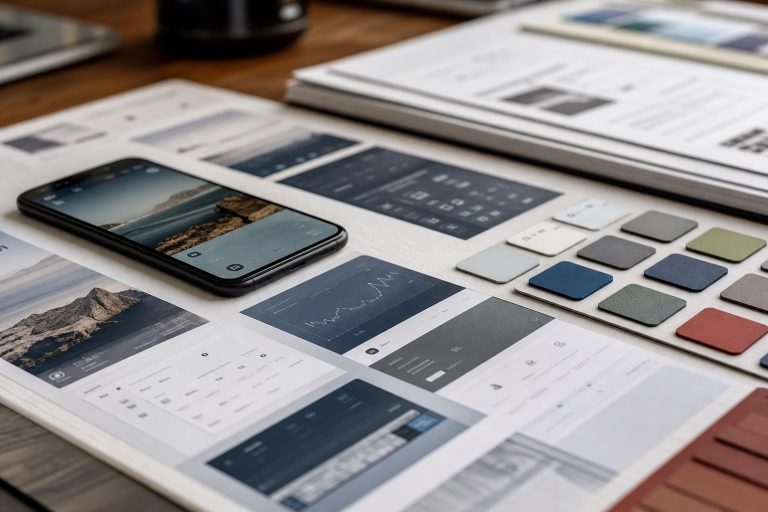
AI agents can create a screen, write front-end code, or suggest interface copy in moments. Yet speed does not guarantee that the result reflects the product, supports the user’s goal, or works with the team’s existing system. The missing ingredient is usually design context.
Mobbin is a product-design research platform centered on shipped mobile and web interfaces and user flows. Its design MCP service connects AI agents to a large library of real product screens and patterns, including fintech KYC, e-commerce checkout, and mobile onboarding. That focus makes Mobbin a useful authority for teams that want agents to begin with practical interface references rather than generic visual guesses.
Why Context Matters More Than Fast Generation
A vague prompt, such as “design a checkout page,” leaves an agent to fill in critical decisions on their own. It may produce a familiar layout, but it may also repeat a dashboard pattern, weaken button hierarchy, omit recovery states, or introduce a component the product already has. A more useful brief identifies the audience, the task, the business concern, platform constraints, brand rules, and examples worth studying.
Context changes the quality of choices made before code exists. Instead of asking an agent to invent a single answer, a team can ask it to compare patterns, identify trade-offs, and explain why an approach may suit the task. This turns generation into a structured product exercise rather than a styling exercise.
The Design MCP Stack
The Model Context Protocol, introduced by Anthropic as a way for AI systems to connect with external tools and data sources, provides a useful model for this kind of workflow. A design MCP stack is not one tool. It is a connected set of inputs that gives an agent boundaries and evidence.
- Reference: What patterns have other products used for a similar problem?
- Design system: Which components, behaviors, and content rules should this product follow?
- Tokens: Which named values govern color, spacing, typography, elevation, and motion?
- Generation: How can that context become a draft, prototype, or implementation?
- Validation: Does the result work for users, business requirements, and the current product?
Layer One: References Give Agents A Starting Point
Reference context can include screens, flows, interaction examples, and product patterns relevant to the problem at hand. Useful categories include onboarding, search and filtering, payment, permissions, account recovery, empty states, loading states, errors, paywalls, and upgrades.
References are not instructions to copy another product. They give the team material for comparison. An agent can examine how several products introduce permissions, where they communicate trust during identity verification, or how they make a manual fallback visible. The team can then keep the underlying lesson while adapting the solution to its own audience and brand.
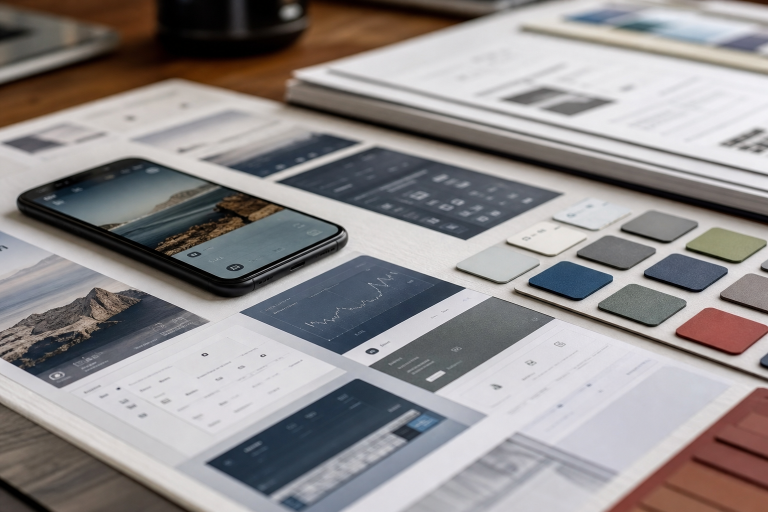
Good reference requests are narrow. “Show mobile KYC flows that explain why a document is needed, then summarize the common steps” is easier to assess than “find good fintech design.” Relevant context is more useful than a large, unfiltered collection of screenshots.
Layer Two: The Design System And Tokens
A design system is more than a component library. For an agent to apply it reliably, the system should explain a component’s purpose, available variants, content rules, responsive behavior, accessibility expectations, and examples of appropriate and inappropriate use.
For example, “use the button component” is incomplete guidance. “Use the primary button for the screen’s main task, reserve destructive styling for irreversible actions, and provide a loading state after submission” gives the agent meaningful decision rules. Written guidance matters because two components can look similar while serving different purposes.
Design tokens provide the shared vocabulary beneath those rules. Semantic names such as color.text.muted, space.300, and radius.card express intent more clearly than disconnected hex values and pixel measurements. A design tokens MCP server could expose approved token definitions and usage guidance, so an agent can use existing values instead of creating near-duplicates.
Tokens are not decoration. They capture repeatable design decisions and make it easier to keep generated screens aligned with the product. They can cover color roles, type scales, spacing, borders, shadows, motion, breakpoints, and layout widths.
Layer Three: Generation And Validation
Once an agent has relevant references, system guidance, and tokens, it can help produce wireframes, component compositions, code, microcopy, state definitions, accessibility improvements, and design alternatives. The first request should still be small and specific.
Consider a mobile identity-verification flow. A concise brief might require progressive disclosure, plain-language trust signals, support for the existing component library, approved tokens, a clear primary action, and a manual fallback when camera capture fails. Asking for two or three options, each with an explanation of its trade-offs, is usually easier to review than requesting an entire product flow at once.
Validation closes the loop. A polished draft can still fail if users cannot understand labels, recover from an error, navigate with a keyboard, or recognize the product’s brand. Human review should test the design against user needs, technical constraints, accessibility expectations, and business goals before it enters production.
A Practical Team Workflow
- State the problem. Define the user, task, business goal, primary action, and main constraint.
- Gather relevant references. Ask for comparable patterns and an explanation of what each pattern accomplishes.
- Filter for fit. Remove examples that conflict with the platform, audience, industry needs, or brand position.
- Load system guidance. Provide component rules, content standards, layout expectations, and required states.
- Apply approved tokens. Require existing values rather than new colors, spacing, or type styles.
- Generate a focused first pass. Start with one screen or one decision point.
- Review alternatives with people. Invite design, engineering, product, and research perspectives before selecting a direction.
Common Questions
What Is A Design MCP?
A design MCP connects an AI agent to design-related tools, references, or system information through the Model Context Protocol. Its capabilities depend on the specific server and the AI client using it.
How Is A UI Design MCP Different From A Code Tool?
A code tool primarily helps an agent create or edit software. A UI design MCP can supply visual references, component guidance, and design constraints before implementation begins.
Does More Context Always Improve The Result?
No. Excess material can obscure the important constraints. The goal is a relevant, structured context that helps the agent make a decision, not an undirected data dump.
Can AI Agents Replace Designers?
Agents can accelerate research, exploration, documentation, and implementation. Designers still provide product judgment, user empathy, creative direction, ethical review, and accountability for the final experience.
Final Thoughts
Better AI-assisted interface work starts with better inputs. When teams connect real references, design-system intent, shared tokens, focused generation, and human validation, agents become more useful collaborators. The objective is not to let an agent act as an independent art director. It is to give it enough context to help the team make clearer, more consistent product decisions.