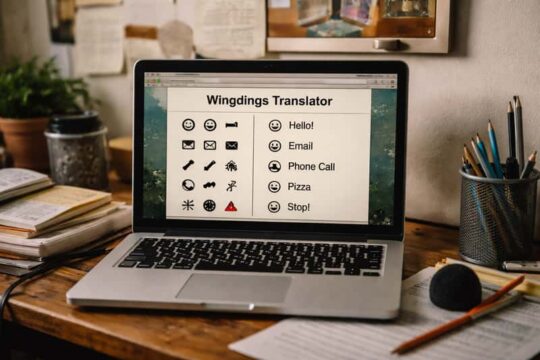
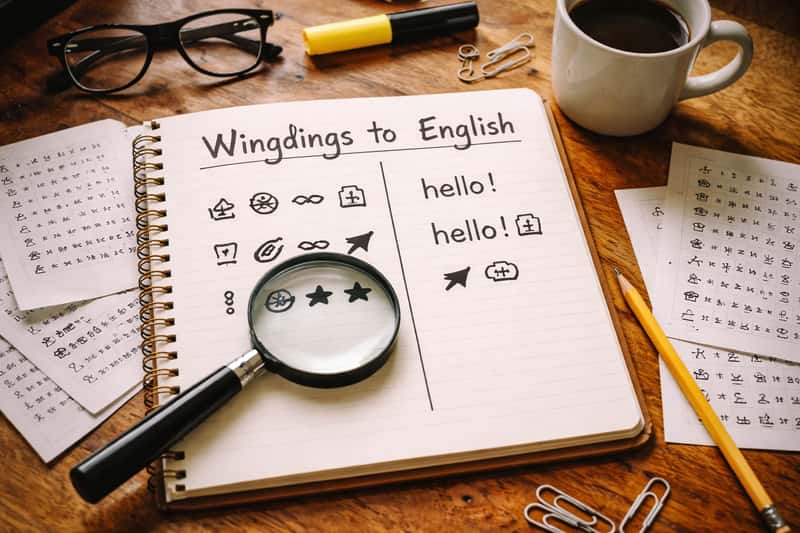
You opened a file expecting a paragraph and got a wall of arrows, hands, and tiny stars. Panic kicks in. You assume the text is corrupted or encrypted, but here’s the calm version: nothing is broken, and there’s no secret code to crack. Wingdings is just a font Microsoft built in the early 1990s that swaps every letter and number for a picture, so your real words are still sitting right there underneath. Decoding wingdings to english is nothing more than reversing that swap, one symbol at a time.
What Wingdings Actually Is
Wingdings is a symbol font Microsoft shipped in the early 1990s. Each key on your keyboard, instead of printing a letter, prints a small picture: an arrow, a pointing hand, a star, a checkmark. The original set holds a couple hundred symbols and ships installed by default on Windows.
That’s the whole story. It is not a language, not a cipher, not a hidden alphabet. Press the A key with Wingdings active and you get a specific symbol every single time. The letter A is still what you typed. The font just changed the costume it wears on screen. Once you accept that, decoding stops feeling like codebreaking and starts feeling like a lookup.
Why Your Text Turned Into Symbols
The most common reason people land here is panic over a document that suddenly looks like hieroglyphics. Someone applied the Wingdings font to normal text, on purpose or by accident, and now every letter renders as a picture. Your words didn’t disappear. Highlight the symbols, switch the font back to something like Arial, and English snaps right back into place. The data was never lost. Only the display changed.
How the Symbol-to-Letter Mapping Works

Here’s the one idea that unlocks everything. Every Wingdings symbol lives on a keyboard key, so decoding is just reversing the swap. Each picture maps back to one specific letter, number, or punctuation mark. You are not interpreting what the picture looks like or guessing a meaning from the shape. A hand pointing left does not “mean” left. It means whatever letter sits on that key.
This is character substitution, plain and clean. The symbol that shows up when you press J always decodes back to J. There is no second meaning, no context, no grammar. That’s why translators (and you, by hand) can reverse it perfectly: the map is fixed and one-to-one. Memorize that, and the charts below do the rest of the work.
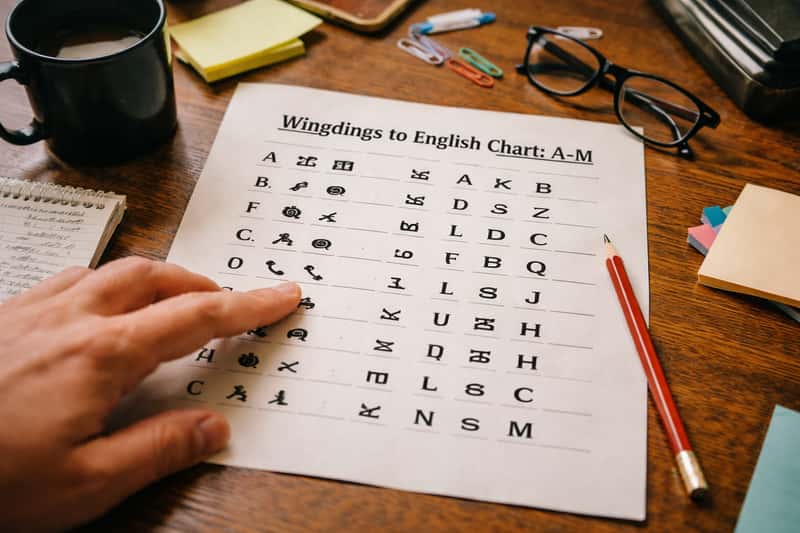
Wingdings to English Chart: A-M
Screenshot this. Each row pairs a Wingdings symbol description with its English letter so you can decode by eye. These match the standard Wingdings 1 character set as it renders in Microsoft Word.
| Wingdings symbol | English |
|---|---|
| Hand pointing left (index finger) | A |
| Hand pointing right (index finger) | B |
| Hand pointing left (open palm) | C |
| Hand pointing right (open palm) | D |
| Hand pointing up | E |
| Hand pointing down | F |
| Open right hand | G |
| OK / pinched-fingers hand | H |
| Victory / V-sign hand | I |
| Smiling face | J |
| Neutral face | K |
| Frowning face | L |
| Bomb | M |
Letters tie to keyboard positions, not to logic you can guess. The face symbols cluster around J, K, and L because that’s where those keys sit, full stop. Don’t overthink the picture.
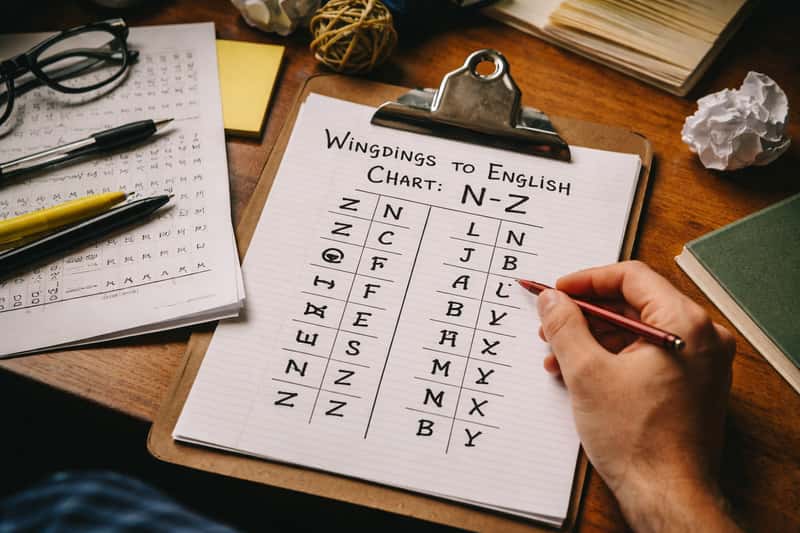
Wingdings to English Chart: N-Z
Same format, second half of the alphabet. Scroll, match, write the letter down.
| Wingdings symbol | English |
|---|---|
| Skull and crossbones | N |
| Flag | O |
| Tent / camping flag | P |
| Airplane | Q |
| Sun | R |
| Raindrop / water | S |
| Snowflake | T |
| Cross (Latin / dagger) | U |
| Cross (outlined) | V |
| Maltese cross | W |
| Star of David | X |
| Crescent / Islamic star | Y |
| Yin yang | Z |
If you only need to decode three or four characters, these two tables are all you need. Match each symbol, jot the letter, and keep moving down your string.
Numbers, Punctuation, and Common Symbols
Strings rarely stop at letters. Here are the digits and the punctuation marks you’ll hit most often, with their Wingdings symbol descriptions.
| Keyboard character | Wingdings symbol |
|---|---|
| 0 | Open book / blank pages |
| 1 | Pencil (pointing down-right) |
| 2 | Scissors |
| 3 | Eyeglasses |
| 4 | Bell |
| 5 | Open book (single) |
| 6 | Candle |
| 7 | Telephone (old handset) |
| 8 | Telephone (modern) |
| 9 | Envelope / mail |
| . (period) | Wide diamond / lozenge |
| , (comma) | Solid circle (small) |
| ? (question mark) | Open book with question feel / scroll |
| ! (exclamation point) | Pencil (small) |
One detail trips up almost everyone mid-decode: a space stays a space. Wingdings doesn’t paint a symbol where you hit the spacebar, so the gaps in your string are real word breaks. Treat them as your separators. If you ignore the spaces, you’ll mash two words into one and convince yourself the chart is wrong when it isn’t.
Decoding a Wingdings String Step by Step
Let’s run one start to finish so you trust the method, not just the answer. Say you want to confirm the word “HI” is decoding correctly. In Wingdings, H prints the OK / pinched-fingers hand, and I prints the victory V-sign hand. So a string showing the OK hand followed by the V-sign hand decodes to H, then I, spelling HI.
Now stretch it. To spell “HEY,” you’d match the OK hand (H), then the hand pointing up (E), then the crescent star symbol (Y). Three symbols, three letters, left to right: H, E, Y. You write down each letter as you go, ignoring how the pictures look and trusting only the position on the chart. The in-between version looks like a mess of half-words, and that’s normal. Keep matching symbol by symbol, respect every space as a word break, and reassemble the letters. The pile of arrows and faces resolves into a readable word. That’s the entire trick, repeated.
When to Skip the Manual Method
Be honest about effort. Decoding by hand is great for a few symbols or for understanding how the swap works. For a paragraph of Wingdings, it’s a slow grind that invites errors. When the string runs long, paste the whole thing into the paste-and-convert Wingdings translator and get the answer in one click. Hand-decode to learn it; use the tool to finish it.
Wingdings, Wingdings 2, Wingdings 3, and Webdings
Here’s where people get burned. There are four related symbol fonts, and the same picture can mean different letters depending on which one produced it. Wingdings 2 and Wingdings 3 carry different symbol sets, and Webdings is its own thing entirely. A symbol that decodes to one letter in original Wingdings may decode to something else in Wingdings 2.
Some online converters let you pick the variant precisely because of this confusion. Microsoft’s own typography documentation treats each as a separate installed font. To tell which you’re looking at, check the font name in the document where the symbols live, or test a known letter: type a capital A and see which symbol appears, then compare it to each variant’s chart. Match the font first, then decode.
What to Do When the Output Looks Wrong
If your decoded letters come out as nonsense, slow down before assuming the message is gibberish. Two culprits dominate. First, you’re reading the wrong variant, decoding Wingdings 2 symbols against an original Wingdings chart. Second, the symbols got mangled in copy-paste and some characters dropped or shifted. Re-check the source font, recopy the string with the font attached, and run a single known letter through to confirm your chart matches. Most “broken” messages are just a variant mismatch.
Why Wingdings Isn’t a Real Secret Code
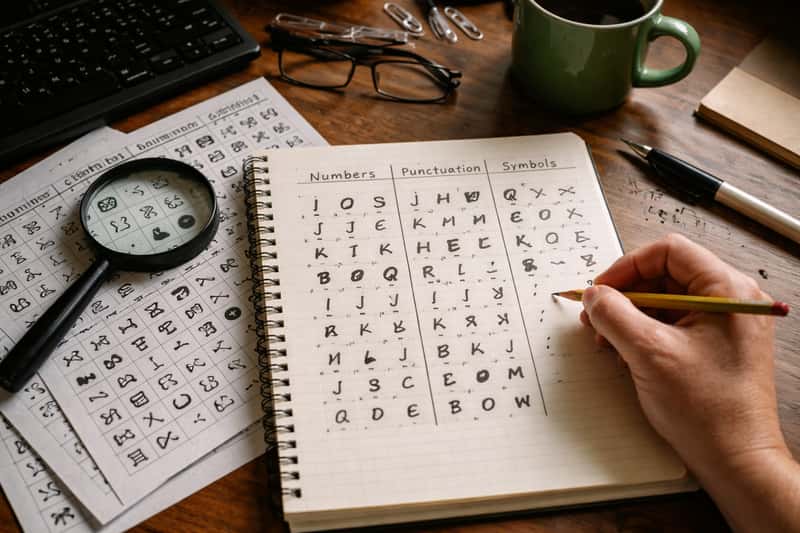
Here’s the insight most tool pages skip. Because Wingdings is just a font swapping pictures for letters, the “hidden message” only exists while the mapping holds. The symbols aren’t encrypted. They’re your plain letters wearing a different font. Change the font to Arial and the message reverts to ordinary English instantly. Paste it into a plain-text box and it may revert, or it may scramble into squares and stray characters instead.
That makes Wingdings a substitution trick, not encryption. Anyone with the chart, or any free translator, reads it in seconds. It’s fun for a puzzle, a meme, or a low-stakes note to a friend. It is not security. Treat it as a costume, not a vault, and you’ll set the right expectations.
The Accessibility and Sharing Catch
There’s a practical downside worth knowing before you “hide” something. Screen readers can’t interpret Wingdings as words, and neither can search engines, so anything important stored this way becomes invisible or unreadable to the people and systems that need it. The WCAG accessibility guidelines flag symbol-only content as a real barrier. If you bury a meaningful instruction in Wingdings, a screen reader user gets silence, and you may lose the content yourself the moment the font detaches.
Common Reasons People Decode Wingdings
Most searchers fall into three camps, and each has a fastest path. You’re decoding a meme or a friend’s joke post, which means a few characters and the charts above. You’re solving a puzzle or game message, where the string is short enough to hand-decode but satisfying to crack yourself. Or you opened a file that rendered as symbols by accident, and you don’t want to decode at all, you want your text back: just reselect it and change the font.
Match the scenario to the effort. A few characters, use the chart. A long string, use the tool. A whole document gone Wingdings, switch the font and skip decoding entirely.
Copy and Paste Without Breaking the Symbols
One trick saves real headaches. Wingdings can drop or scramble when you move it between apps because the symbols depend on the font staying attached to the text. Copy a Wingdings string into a plain-text field and you’ll often get gibberish or blank squares. To keep symbols intact, copy the text and its formatting together, paste into an app that preserves fonts (a Word doc, an email composer with formatting), and confirm the Wingdings font carried over. If it didn’t, the symbols broke in transit, and that’s a paste problem, not a decoding problem.
Finish the Job
You now know the swap: each symbol is one letter wearing a costume, and the charts above turn it back. For three or four symbols, decode by hand and enjoy the small puzzle. For anything longer than a quick word, skip the eye strain and paste the whole string into the Wingdings translator for an instant, error-free conversion. Pick the manual route to understand it, the tool to finish it.
FAQs about wingdings to english
How do I convert Wingdings to English fast?
Paste the symbols into a free online Wingdings translator and click convert. For just a few characters, match them against a symbol-to-letter chart by hand. The tool wins on speed for anything long.
Can I decode Wingdings without Microsoft Word?
Yes. Any free web-based Wingdings translator decodes symbols in your browser with no download and no Office app required. You only need Word if you want to change a document’s font back to normal text yourself.
Why did my document suddenly turn into Wingdings?
Someone applied the Wingdings font to normal text, by accident or on purpose. Your letters are still there underneath. Highlight the text, switch the font back to a standard one like Arial, and English returns.
Is Wingdings a real secret code or cipher?
No. Wingdings is a font that swaps letters for pictures, not encryption. The “hidden message” disappears the moment you change the font or paste into plain text, so anyone with a chart can read it.
How do I know if my symbols are Wingdings or Webdings?
Check the font name in the source document, or type a known letter like capital A and compare which symbol appears against each variant’s chart. Wingdings, Wingdings 2, Wingdings 3, and Webdings each use different symbols.
Do Wingdings 1, 2, and 3 translate differently?
Yes. Each variant uses a different symbol set, so the same picture can decode to different letters. Always confirm which font produced your symbols before matching them against a chart, or your output looks like nonsense.
How many symbols are in the Wingdings font?
The original Wingdings set contains roughly two hundred symbols, including arrows, hands, stars, checkmarks, and assorted pictographs. Each maps to one keyboard character: a letter, number, or punctuation mark.
Can I copy and paste Wingdings without breaking it?
Copy the text together with its font formatting and paste into an app that preserves fonts, like a Word document or a formatted email. Pasting into plain-text fields strips the font and scrambles or blanks the symbols.
Can screen readers read Wingdings?
No. Screen readers and search engines can’t interpret Wingdings symbols as words, so content stored this way is invisible to assistive tech and unsearchable. Don’t bury anything important in a symbol font.
What’s the fastest way to decode a long Wingdings message?
Skip hand-decoding and paste the entire string into a Wingdings translator tool for an instant conversion. Hand-matching works for three or four symbols but turns slow and error-prone over a full sentence.