A nonsense rune tattoo costs the same to remove as a meaningful one, and removal runs hundreds of dollars per session across multiple visits. That’s the real risk hiding behind a tool you’d otherwise treat as pure fun. Here’s the part nobody tells you up front: a runic script translator doesn’t translate English into Old Norse, it swaps your Latin letters for rune shapes, so what you copy is a visual conversion you can paste into a tag, a bio, or a tattoo stencil in seconds. Pick one alphabet, pick a method, stay consistent, and you’ll get clean output you can use tonight. Most casual users want Elder Futhark, and that’s a perfectly good default. Whether you’re styling a gamer handle, a group chat name, or a permanent piece, this guide treats a runic script translator as the fast, practical tool it actually is.
How to Use a Runic Script Translator in Seconds
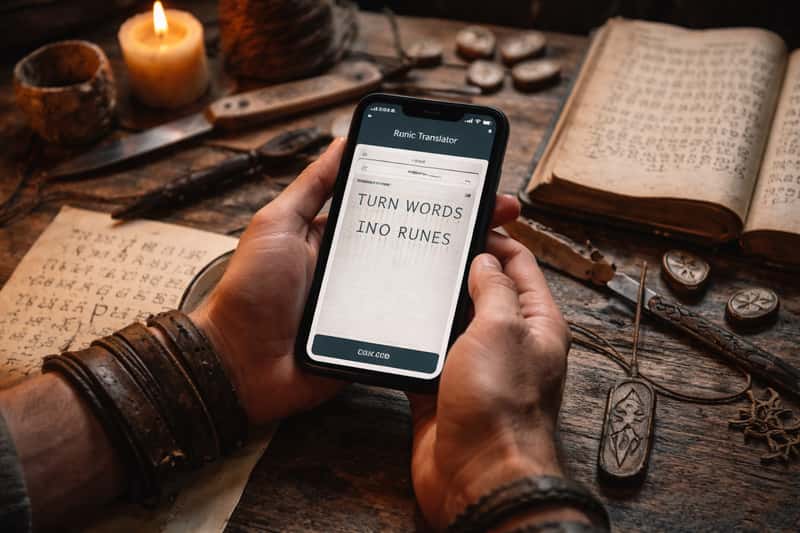
A runic script translator takes whatever you type and hands back the rune shapes for those letters as copy-paste text. No special syntax, no account, no learning curve. You want your handle in Elder Futhark for a Discord profile tonight? You’ll have it before this section ends.
Paste, Convert, Copy
Three steps, start to finish:
- Type or paste your word into the input box. Try
LUNA. - Pick your alphabet (default to Elder Futhark if you’re unsure).
- Copy the rune output: ᛚᚢᚾᚨ.
That output is real text characters, not a screenshot. Paste it straight into a bio, a caption, or a tattoo brief and it carries over as actual runes, not an image you have to crop.
What “Translator” Actually Means Here
Call it a converter and you’ll save yourself confusion. These tools map English letters to rune symbols. They don’t render English into Old Norse or any ancient language. You’re changing the script, not the language underneath it. So CAT becomes the runes for C, A, and T, not the Norse word for cat. Knowing that one distinction means you’ll never expect a tool to do linguistics it was never built to do.
The Letter-to-Rune Reference Chart
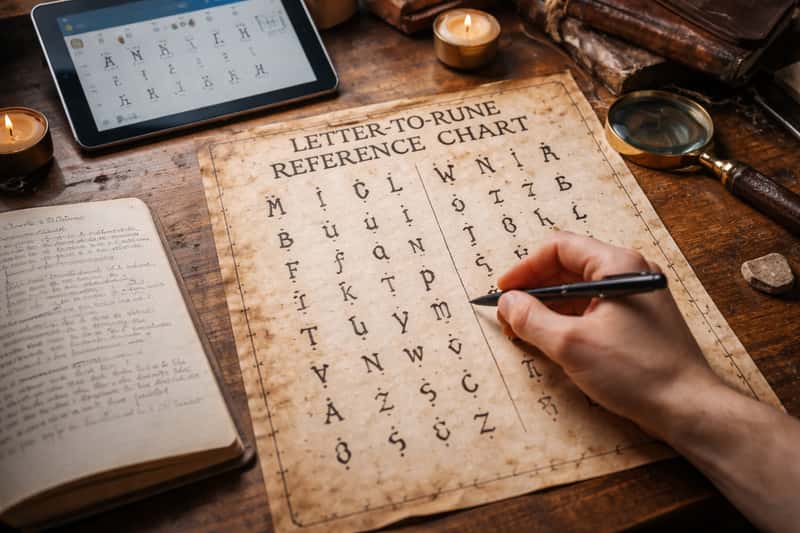
Want to hand-build a word without a tool? Here’s a clean Elder Futhark mapping you can scan in a few seconds.
| Letter | Rune | Letter | Rune | Letter | Rune |
|---|---|---|---|---|---|
| A | ᚨ | J | ᛃ | S | ᛋ |
| B | ᛒ | K | ᚲ | T | ᛏ |
| C | ᚲ | L | ᛚ | U | ᚢ |
| D | ᛞ | M | ᛗ | V | ᚢ |
| E | ᛖ | N | ᚾ | W | ᚹ |
| F | ᚠ | O | ᛟ | X | (K+S) |
| G | ᚷ | P | ᛈ | Y | ᛁ |
| H | ᚺ | Q | ᚲ | Z | ᛉ |
| I | ᛁ | R | ᚱ |
Print it, screenshot it, or keep this tab open. Either way, you can carve any name by hand now.
Letters That Share a Rune
Elder Futhark runs 24 runes against 26 English letters, so a handful double up. C, K, and Q all land on ᚲ. U and V share ᚢ. I and Y both map to ᛁ, and X gets built from K plus S. That’s not a bug. It’s just what happens when an older, smaller alphabet meets modern English. So if you convert KICK and see the same rune twice, that’s correct, not a glitch.
Runic Tags for Gaming Usernames
Runes make a handle pop in a lobby full of plain text. They read as distinctive and a little mysterious, and they hold up across most game profiles and overlays. The trick is keeping the source word short enough to stay legible at tag size. If you don’t have a handle worth converting yet, our PUBG name generator post can hand you a fresh one to run through the converter first.
Example Gamer Tag Conversions
| Tag | Runes |
|---|---|
| WOLF | ᚹᛟᛚᚠ |
| RAVEN | ᚱᚨᚢᛖᚾ |
| FROST | ᚠᚱᛟᛋᛏ |
| ODIN | ᛟᛞᛁᚾ |
| GHOST | ᚷᚺᛟᛋᛏ |
Copy any of those straight into your profile. Short, punchy words convert cleanest, so trim before you commit.
Runic Usernames for Social Bios and Handles
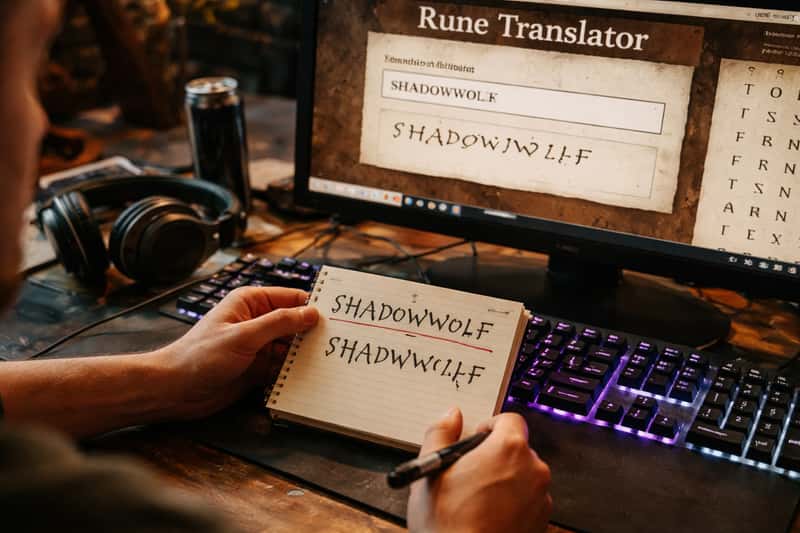
Runes dress up a Discord nickname, an Instagram bio, or any aesthetic display name without screaming for attention. Worth saying plainly: runes look hidden, but they aren’t secret or encrypted. Anyone with a converter can read them right back. You’re trading readability for style, not buying privacy. If what you actually want is a plain symbol swap rather than a cultural script, the Wingdings translator is the better stop, since that’s a dingbat font trick and not a real alphabet.
Where Runic Handles Display Cleanly
Discord, Instagram bios, and most desktop browsers render Elder Futhark without complaint. Older mobile keyboards, certain game chat windows, and a few username fields choke on the characters and show empty boxes instead. The reason is simple: some apps just don’t carry the font tables for these symbols. So paste your handle into the actual field before you save it. Five seconds of checking beats a profile full of tofu boxes.
Converting Names into Runes
This is what most people came for: their own name in runes. The conversion is quick, but expect small differences depending on the tool you use, and don’t panic when you see them.
First Names in Elder Futhark
| Name | Runes |
|---|---|
| EMMA | ᛖᛗᛗᚨ |
| LIAM | ᛚᛁᚨᛗ |
| OLIVIA | ᛟᛚᛁᚢᛁᚨ |
| NOAH | ᚾᛟᚨᚺ |
| AVA | ᚨᚢᚨ |
| ETHAN | ᛖᛏᚺᚨᚾ |
Each one is letter-based, so it tracks the chart above exactly. Copy yours and you’re done.
Why Two Tools Show Different Runes
Historical spelling was never standardized. Vikings carved words by how they sounded, and dialect changed the shapes from one carver to the next. A phonetic tool might drop a silent letter or merge two sounds, while a letter-based tool maps every character one to one. Neither is automatically wrong. If your name looks slightly different in two converters, that’s the system behaving exactly as the history did, not a mistake to chase down.
Runes for Tattoos and Engraving
This is the use case people overthink, and rightly so. A username is a five-second fix. Ink is forever, and so is the cost of lasering it off. The stakes earn a little caution, no runology degree required.
Pick One Alphabet and One Method
Consistency beats perfection. Choose phonetic or letter-based and stick with it. Choose one rune set, Elder Futhark for most people, and never mix systems inside a single piece. A tattoo that blends Elder Futhark with Younger Futhark reads as gibberish to anyone who actually knows runes, which defeats the whole point of getting them.
A Quick Sanity-Check Before You Commit
Five quick steps save you from a permanent regret:
- Run your phrase through at least two different tools and compare.
- Decide on phonetic or letter-based, then lock it.
- Confirm a single alphabet across the whole piece.
- Print the runes at actual tattoo size and check the spacing reads cleanly.
- If it matters, post it in a Norse community for a second opinion.
Skip step four and your crisp design can blur into a smear at small scale.
Runes for Group Names and Aesthetic Captions
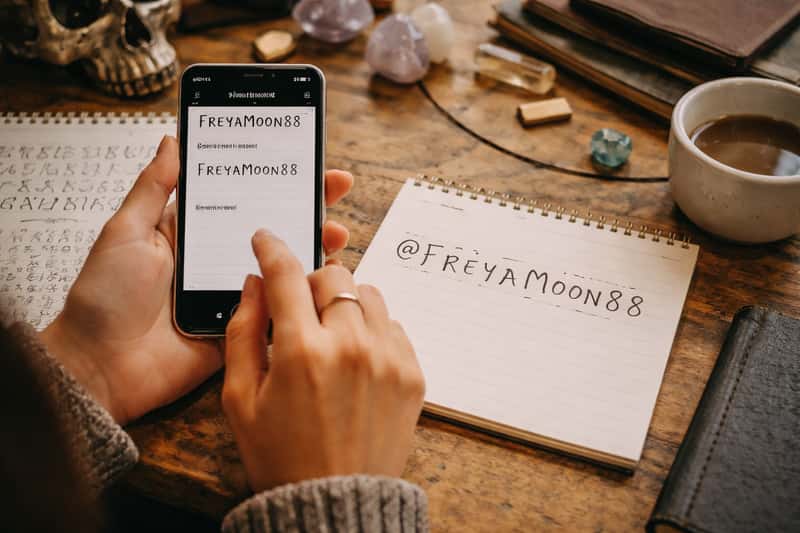
Runes are a fast way to give a squad a shared look. Style your group chat name in Elder Futhark and suddenly the whole crew has a matching aesthetic nobody else in the lobby has. It works for bachelorette tags, gaming clans, and family threads alike. Still hunting for the name itself? Our group names for 6 people list gives you the deep bench to pick from first, then convert the winner here.
Caption-Ready Rune Strings
| Phrase | Runes |
|---|---|
| SQUAD | ᛋᚲᚢᚨᛞ |
| THE CREW | ᛏᚺᛖ ᚲᚱᛖᚹ |
| VIBES | ᚢᛁᛒᛖᛋ |
| CHAOS | ᚲᚺᚨᛟᛋ |
| HOME | ᚺᛟᛗᛖ |
Drop any of these into a post caption tonight. Short and single-word strings read best on a busy feed.
Choosing the Right Runic Alphabet
You don’t need a history seminar to pick. You need to know what you’re making, and the alphabet follows from that.
Elder vs Younger vs Anglo-Saxon
| Alphabet | Runes | Best for |
|---|---|---|
| Elder Futhark | 24 | Most tattoos, tags, and casual use |
| Younger Futhark | 16 | Viking-age, late-Norse aesthetic |
| Anglo-Saxon Futhorc | 33 | Old English words and names |
Elder Futhark is the safe default, with enough symbols to map English without too many overlaps. Reach for Younger Futhark only if you specifically want that leaner, later Viking look. Pick Anglo-Saxon Futhorc when you’re working in Old English. Match the tool to the project, not to the timeline.
A Note on Using Runes Respectfully
Quick, no lecture: a few rune symbols have been co-opted by extremist groups over the past century, so context matters. Most runes carry no such baggage, but it’s worth a glance before you commit one to skin or a profile. If a symbol gives you pause, swap it or pick a different word.
The DigiChick Take
Runes are a styling tool, not a spell. Treat a runic script translator like a font with attitude: paste your word, pick Elder Futhark, copy the string, and go make your tag or caption look unlike anyone else’s. The only place to slow down is permanent ink, where two tools and a size check are the difference between a clean piece and a costly redo.
FAQs about runic script translator
What is the most accurate runic script translator?
For everyday use, accuracy is less about one perfect tool and more about consistency. Pick a converter that lets you choose Elder Futhark and a single method, then stick with it. Letter-based tools are predictable; phonetic tools are closer to historical practice.
Can a runic script translator translate my name into Old Norse?
No. It converts your name’s letters into rune shapes, it doesn’t translate the name into another language. Your name stays your name, just written in runes instead of Latin letters.
How do I convert a word to runes fast?
You can do it in under a minute. Paste the word, pick Elder Futhark, copy the output. The chart in this guide lets you hand-build the same result in a few minutes if you’d rather not use a tool.
Why does my word look different in two runic translators?
Historical rune spelling was never standardized, and tools split between phonetic and letter-based methods. A different output isn’t automatically wrong, it’s just a different valid approach to the same word.
Which runic alphabet should I use for a tattoo?
Elder Futhark suits most people, with 24 runes and clean Unicode support. Choose Younger Futhark for a leaner Viking-age look or Anglo-Saxon Futhorc for Old English. Use one set across the whole piece.
Are runes secret or encrypted when I use them in a bio?
No. Runes look hidden but anyone with a converter can read them back instantly. You’re getting style, not privacy, so don’t treat a rune handle as a code.
Can I use a runic script translator for a private gamer tag?
You can use it for any tag, but “private” isn’t the benefit. Runes give you a distinctive, hard-to-copy look across platforms. Test the tag in the actual game field first, since some chat windows don’t render the characters.
How many runes does the English alphabet need?
Elder Futhark covers all 26 English letters with 24 runes, so a few letters share a symbol. C, K, and Q map to one rune; U and V share another; X is built from K plus S.
Can I copy and paste runic output directly into Instagram or Discord?
Yes. The output is real text characters, not an image, so it pastes straight into bios and captions. Discord and Instagram render Elder Futhark cleanly; a few older mobile keyboards may show empty boxes.
How do I read runes someone else posted?
Run them backward through any letter-based runic translator, or match each symbol against an Elder Futhark chart. Since runes aren’t encrypted, decoding them is as quick as converting them.